So, this was overdue and especially for futures plans and even the chance to really be able to see how this would work out, the Prif streambox kit. Now this I've had word from the owner and did help with the manual creation. But in the end I did purchase online for about £120 somewhere now. But this has a lot of things going for it which I was shocked and amazed at. Now most places sell it for £129 or some too good to be true at £19.99 . But we will look into this and see how it can perform.
The Packaging:
One good thing here is that the packaging is actually decent and easy to see, with it being clear on what it does and the colour scheme does fit Prif in their own regard with the Dark blue and the Black and White. The image of each part of the kit is a bonus as well.
The front of the box
The bottom of the box
The left side of the box
The right side of the box
The back of the box
The Top of the box
But its when you look inside, the layout is really organised with each box named inside which is really cool, you don't get that normally with other cards or packaging too. But each box was named for each part.
HD Microphone
Webcam
Streambox
Underneath that is the cables and CD
The layout of the box
Then it was time to have a look at each Box.
HD Microphone.
The front of the box
Now this has a bit of the case of the little packet then it has in
1 x Tripod that folds
1 x Microphone with single 3.5mm jack
1 x 3.5mm Splitter
Now the Mic does fit in a certain way which makes it somewhat easy to use on the stand, but the stand is rigid as well. This does make it stable for it to stand.
The bottom
The 3.5mm Splitter
A side view of the stand
The holder for the mic
A Side view for the mic
The 3.5mm jack end of the mic
Which this is pretty much the part of the mic done. which then it was for the next box to be seen.
The HD Webcam:
Now for this, there was a suprise which made some sense when you read other reviews. But the box had its own little mansual inside it as well as a webcam lens cover.
The box for the webcam
The webcam lens cover
The front of the manual
The setup of the camera
More of how the camera can work in the manaul
Then it comes to the webcam, this looks like a knockoff of a Logitech C920 but it has some unique features such as the screwhole for the tripod and also it uses a Mircro USB connection. Now this is unqiue and can explain why some people say about the issues with the webcam not working after a while due to the loose micro usb port. My only thing I can see is that the cable should have been a right angled micro USB cable, which would have helped with the connections issues.
This is the front of the camera
The bottom of the camera with the tripod
The camera from the side
The camera with the lens cover but open
The Camera with the lens cover but closed
The good feature is that the cable can be changed but of course with the reputation of the cheap cables, the connection could break. There is also a good mention that this works on Android as well as even Smart TVs with the skype calling features. This wont be tested since well its not really a requirement due to so many more devices such as Portal and even Echo with the screen. This then lead to the star of the show.
The Streambox:
Now this is actually the simplest of the Boxes, since it only had the streambox inside it.
The Front of the Box for the streambox inside
Then it comes to the box itself, a curved box with a fair amount of inputs and outputs such as 2 3.5mm jacks, both HDMI in and out a component cable in (with a special connector that is acutally supposed to be sold from the prif website) . The box uses USB Type C for the connection which is actually a good point since Micro USB is a eadly pain (RIP the usb port on the TBOX Mini and even soldering it back on did not work.
The LED indicators on the front of the box
The Bottom of the box with the Batch number
Then it was the back outputs.
The front jacks of the streambox
I mean this has the potential to do more than I was expecting. But we were not done yet.
The bottom of the box:
This is where we finally look at the other bits, so we get inside:
1 x Dual USB Cable to Type C
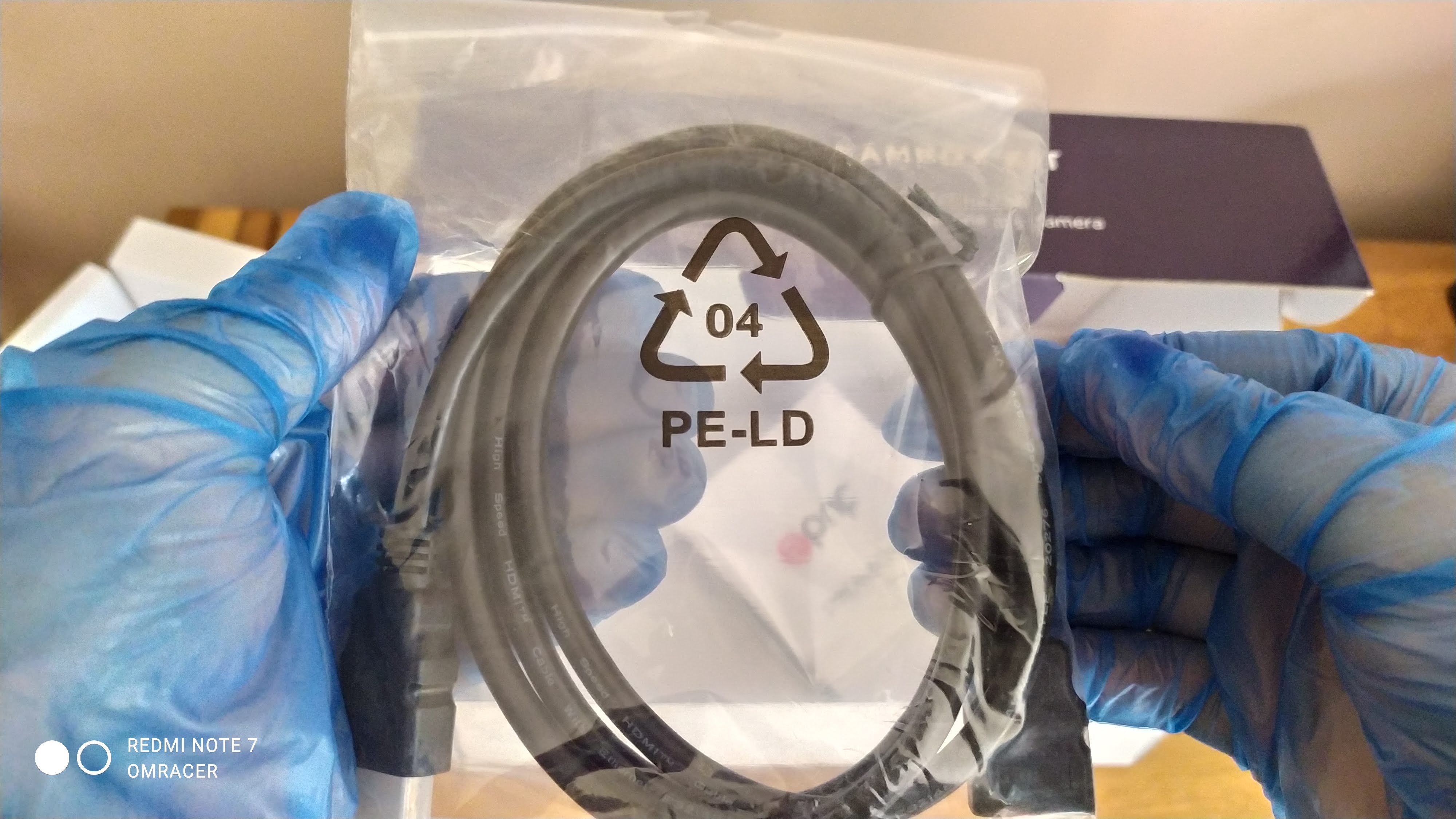
1 x HDMI to HDMI Cable
1 x Driver DVD (We do not look into this actually)
1 x Manual
A look in the box before we open it
Showing underneath the flap
Now for this bit, the Dual USB cable is acutally surprising on this, since most cases laptops now support USB 3.0
The Dual USB to usb type C
The Manual is one of the things i've seen and helped written, Now it is detailed and also gives screenshots on how to do things, this is always a good shout. Even with how to use and install the Software from the CD. That and the table of troubleshooting is good.
A Blurred look at the manual
When it comes to the CD/DVD, it does mention that Cyberlink Power Director and also SysCap is put on there. Most of the Drivers you will find out are what we call UVC which really applies to 8.1 and 10 more than 7. This means plug and play which means you do not need the disc to set this up.
The blurred look at the CD
Also the HDMI Cable and the 3.5mm Jack cable is added in. This is useful since of the issue that PS4 can not allow multi output (But the PS3 can even if it reduces the audio channels to stereo), so you can plug in the Dualshock 4 into the box.
Also a jack to jack cable is added in
With that all done, it was time to test and setup:
Setting up the Kit:
The microphone:
Getting this instaled was easy for most devices, but with the Xiaomai 6 Pro, there was a problem where the realtek drives did not pick it up, but actually that was to the laptops fault. Using modded drivers fixed that issue and it worked fine when selecting Mic in using the Pop up on plugin option in Realtek Audio console . The quality is not too bad from a distance, not mich of a boom unless your lips are closer, this is not omni directional from what i can make of it.
The Webcam:
Now this is where things really make a difference, since the bezel on the Maibenben is quite thin, it can make it tricky for it to grip on, but with normal monitors, the grip is much much better. Which OBS just picked it up no problem and I really even managed to do a comparison of the 2 cameras on the laptop (one built in and one of the Prif camera).
The 2 camera on OBS from my view
The camera look from OBS on its own
This allows me to then change any settings such as brightness or even the contrast just inc ase.
The Camera settings
Both cameras shown sort of PiP
But that means its good for the 720p which can only record at 30 FPS but bundled woth this kit, the quality is quite good. More realism on the light compared to the camera built in.
But then it was time to have a look at the big part.
The Streambox:
Now for this bit, since the box is supposed to also be plug and play aka UVC compatible. But we check that in Device manage when its plugged in. I also used a cheap USB type C cable to USB A and not the cable it was provided with. Device manager tells us its a camera, not a video device. The cheap cable does not work with quality but a Morphie or braided USB to C to USB A cable works nicely
The Device general tab
The Driver tab
The Driver details
The Look at the Hardware ID
The Device description
Now that name is somewhat dejavu in a way, I will tell you why, its Velocap U3 Pro in a cut down version, I kid you not. By that regard it means I have a feeling about the quality and well, its GOOOD. Now it made no issues on response times if playing directly in OBS preview, well maybe some minor input lag but only some games will notice that. If you look at the properties as well, it does mention there is a separate audio device for that box as well.
The properties of the U3 in OBS
But when I was previewing it, it worked on PS4 no problems, with non HDCP on the box no problem. Even 1080p 60fps works fine. But if HDCP is turned on or use a PS3, then sadly its a blank screen.
The PS4 working Fine without HDCP (Resolution is at 720p due to the Acer monitor not supporting 1080p)
The HDCP makes it like this or if resolution is changed
HDCP turned on makes this happen
The PS3 CAN work if you use a HDCP Splitter or in this case the TBOX Mini as a passthrough
Testing:
Now what can I say, it was smooth as butter and the laptop managed to record using all 3, even at 1080p 60fps with no lag. But the sound I did need to tweak since the Turtle Beach headset I used and plugged into the Streambox did cause it to do a double echo since it was used along with the Mic in, Also there is a chance t could have echoed using the microphone using the HD Webcam.
Remember the laptop or PC must be powerful enough to record or stream 1080p 60fps, 4K will downscale but I don't have 4k so cannot test this. In the case of the Maibenben, the quality worked fine with very little issues. The Camera worked fine and looked good, perfect for lets plays, green screen would work but the light will need to be a bit brighter in my opinion.
Conclusion:
Now this is a great bit of kit for the Price, yes I might of purchased overpriced compared to prices I've seen but they might be used or refurbished. But for what i want, its got everything I want and ease of use, well its there and that is what matters. The U3 being UVC or plug and play, its really the best feature since drivers for capture cards or boxes can be a nightmare to sort, the Velocap u2.
That was a clear example of messed up drivers being the problem and boy it killed the review rating ( I need to review that) . The camera works fine even if it can be a bit problematic for some uses who do not look after cables properly. The Mic is clear if spoken close to it.
With all this in mind.
omracer's Rating: 8/10
The Good Points:
Bundle of 3 items
Amazing Value for that bundle
Decent Looking of each item
Works with OBS Studio or any App for streaming
Both the Streambox and the Camera being UVC aka plug and play
Records 1080p 60fps no problem if the laptop or desktop can handle it
The Camera can fit onto a tripod
The Bad Points:
Can be hard to find brand new, be wary if the price is £19.99
The Camera uses a Micro USB Connection so can be easily damaged
Make sure you have Audio drivers if you use the Mic on laptop (Windows default Drivers will not work)
Some slight glitches on the recording on loading screens or resolution changes in game
And there you have it, now that for me will be eased off for 2 weeks or so. Plans to accerlate and Future with special to be chosen and questions to be asked (the normal blog might clear that up one day). But this will be used for things like Fallguys and even other games in the later of this year.
Well this was up and coming for some reasons like the velocap u2 having problems not yet fixed in windows 10 November update as well as wanting to record without getting the laptop out and then edit much quicker on the laptop. But also my a christmas present for my sister, the recording to usb side of things would be quite useful too.
Now this version was NOT from Velocaps. Since that would be double the price, maybe this might explain a average review but i'm not so sure. This one was from a UK Ebay seller for about £35 which took about a few days to arrive. The TBOX MINI Plus which is on the velocaps site is nearly £80 including customs and postage. But when you look further down, this looks and actually is the mini plus which is sort of one less hassle. But this also looks like or works like a Tevii D614. But hoping that this can do what it says is another matter. Hoping this works with OBS as a mini streaming device is needed but lets see.
Enjoy a video review below:
The looks and contents.
The box is just a basic cardboard box which can be boring, but this is not really a on the shelf type of product to sell so i'm not surprised. However, inside has quite a nice layout with the following inside:
the box itself
a UK (due to regulations) Power cable for it
a short micro usb cable
a shortish standard HDMI cable
a Black and White Manual of how to use it
a mini unlabled CD with the drivers
This is actually quite basic which for this makes things easier and also more to the point of this box. The charger does have a tablet feel as well as the micro usb not looking so solid but it is.
The Top of the Box
Most of the sides are like this
Except this which is the only stickers on the outside
Then we go into the box itself, its actually pocket sized if you had big jeans or a hoodie, with clear labels for what is what and most connections needed, this is a nice size for a hope to be decent capture card.
3 of the main things you need on there
The top of the box, with the led and button
The micro USB port, now this is not a 3.0 port, just a 2.0
A USB, HDMI out and a Mic in, well you have to have some commentary for a lets play somewhere
the grills at the bottom of the thing
Setting it up: The USB Way
Now this is pretty easy minus a few important notes. The first is that, unless you change firmware (which as of this time i've not done that) there are some things to note:
the date of the recording is December 2013
the files are split into 2GB sections (related to fat32 rules of 4GB per file MAX)
The bitrate can go up to 16mbits or as fast as your USB stick allows, in my case the Transcend can do up to 20/25mbits, which that is the 64GB edition for around £15 online.
But once you get that done, just make sure the hdmi device is turned on then turn this on then make sure its 1080p or 720p. Blue for 1080, green for 720 and then press the button and it will start recording to the drive. Common sense is to NOT unplug the stick until the led stops flashing or the thing is off after the power button. Which for me it was quite flawless in its recording of PACMAN CE DX and clear when trying a NowTV box out (there is a big note with this i'll go through near the end). But the test clips I tried only were less than 5 minutes and the bitrate can vary under a minute. But when you see the results, its looks clear and sharp and smooth too.
What it looks like plugged in to the ps3 and TV.
The floor view of the box.
The detals of the first clip
The smaller bitrate of a test clip
A tiny bit higher but that constant framerate
Setting it up: The PC Way.
Now this is where the product fails in my eyes, using a micro usb cable, I plugged it in, it was detected, the drivers i used from the CD worked. (You can use the Velocap ones if you wish as well). Now I noticed it had drivers for the HDMI Velocap products on there as well which made me get the vibe this WAS a TBOX Mini Plus. It worked and the drivers were signed and device manager was showing all good.
Then it was time to get OBS running and well, things went sour, it didn't work. Luckily it was picked up but no matter what i set on the crossbar, no matter what custom resolution, it would not work and a red screen would appear. Which for me is a MAJOR ballache since i can't actually stream on this capture box. This stressed me out and really made the review harder to film, i'll be honest there. But while typing I found out that it has the same Chipset which is the IT9910HD as a Happauge PVR Rocket so this might change the entire review.
The problem OBS has with it with the Velocap Drivers
Some of the settings the Crossbar gives you
The one in blue is the setting for HDMI
See, no luck
But when i installed the Happuage drivers, things seemed on the up, since it didn't install via the Capture software but it installed the drivers manually via the firmware installer and it actually worked. It successfully got the driver working and it was showing up in the Happuage Capture Software. This DOESN'T change the HDCP not working since it was never meant to. There is a longer delay than the velocap U2 but it works and thats the main point. I've not tried streaming.
It works with the PVR Rocket drivers.
But the one problem with this is that it there have been problems with OBS and the HD PVR. OBS classic doesn't pick it up but OBS studio it does except the fact that it doesn't have sound and black screens until i disable Sound which is odd but a work in progress.
UPDATE: As of 05/12/16 I have managed to get this working WITH Sound (To capture only) via using the drivers provided by Ezcap for their 284 capture box. Basically, you install the drivers in the zip file then copy the Jedi.img to the USB and flash the firmware and then in obs studio, the audio should be included in the stream. Reminder that this does need a TV to play the games properly due to the passthrough causes lag to the PC. The link for the drivers and firmware just incase its deleted is here:
OBS Studio working WITH Sound and picture
The HDCP Noting.
Now with the specs that the Asian rep mentioned on ebay, this was "HDCP Decode" which sadly this isn't, which for alot of people who solely buy this, they will go nuts and leave bad feedback and feel like they have wasted their life savings. But with a splitter or the velocap u2, it actually does let the signal stay. To try this, i tried one of those nowTV Boxes. Which does show the picture as normal but when Video is playing, a purple screen appears. The support document mention that HDCP is unauthorized which is fair to say.
The box and the velocap u2
it looks more complicated than it actually is.
The Conclusion:
With the box, it is not as easy as it seems which is how you save money, lets be clear there. Now since the software that Velocap used which was the TeVii Player which is rubbish but when you realize there is better software out there which I've mentioned further back, it does make this easier to use. But its also useful if you wanted to recorded HD footage while streaming a console on twitch on a poor non ultimate high end package superfast broadband like myself (to record multi, similar to using OBS and Microsoft GameDVR to make the Roller-coaster Tycoon World Lets Play). It works or when you feel too lazy to record locally and just record whats on the console and edit in future, this works nicely.
omracer's Rating: 8/10
The Good Points:
Very entry level price
USB Recording is simple
Nice size and design
Connects to PC via micro usb
Very good quality at high mbits @59fps on a good usb drive on 720p.
Final cut pro can import without conversion aka friendly file formats on osx.
The Bad Points:
The Drivers from TeVii and Velocap are a disgrace. Happauge ones work much better
OBS doesn't work properly
No HDCP decoding without another device (Good in someways to make this more legal)
Micro USB is 2.0 to speeds will not be intense
And that goes the review. This might be useful for me making more videos in the coming months, especially with the u2 not working on 10 properly. Tweaking OBS studio to get it to work might complicate things for starters.
New reviews next month hopefully, maybe more food and drink ones.